How Teachers and Students can Unlock True Potential Using Supports for Executive Functioning
Inside: Staying on task and adapting through the day can be limiting for people of all ages and abilities, especially in a classroom setting. Supports for executive functioning in this article can be utilized to relieve pressure on students and teachers, helping them to be their best every day.
As you run out the door, you wonder where you went wrong.
Your alarm never went off… but you’re sure you set it.
You forgot to start the coffee pot and are starting your day running late, with mismatched socks and no caffeine.
However, you don’t realize how bad your day will be until you walk into your classroom and realize you forgot the materials for the science lab you have been planning all week… on your counter.
Welcome to the world of executive functioning, where everyday life activities such as planning, organizing, multitasking, and decision-making become a juggling act.
Don't worry; you're not alone if you recognize these challenges in yourself or your students.
Executive functioning skills come naturally to some, while others require support to master them in full.
Sometimes, even when we typically have solid executive functioning skills, they fall apart when something– like a missed alarm clock– goes wrong.
Executive functioning is how we get ourselves together to do the things we need to do.
These skills are essential for academic, professional, and personal success. Without them, students can become overwhelmed with daily demands, often leading to stress and anxiety.
The good news is there are plenty of supports that can help your students (and yourself) if you find struggles with executive functioning are getting in the way of a successful day. [Learn how ADHD might effect the need for support here]
Table of Contents
Supports for Executive Functioning
If you’re someone who sets an extra alarm for the time you need to leave for work, or color code your calendar so you can see more easily what is coming up, you’re already using executive functioning supports.
They come in many forms, but their goal is always the same: to help individuals become more effective in managing their lives. Effective executive functioning supports can be as straightforward as having someone help you devise a plan or as advanced as a technology-based tool to keep track of your schedule.
Examples of executive functioning supports include
Setting alarms
Prioritizing a to-do list
Timers
Sticky notes
Breaking down tasks into smaller steps
Talking through a plan with someone else
The best part about most executive functioning supports is that they can be tailored to fit each person's unique needs, strengths, and preferences.

Many supports can be implemented classroom or building-wide, making the environment less intimidating for students who struggle with executive functioning. Other supports may be used throughout instruction. Yet others may be considered assistive technology and be specific to an individual student. [Read about how to identify students who need extra help here]
High vs. Low Tech Supports
In today’s classrooms, most students have access to a high-tech device such as a computer, Chromebook, or tablet throughout their day. This makes consideration of high vs low-tech supports a much broader consideration.
When looking at tools for executive functioning, it is important to consider where these supports are needed. If a student struggles most when completing online or computer-based tasks, looking at a digital or high-tech tool may make sense. Alternatively, if the student struggles the most during passing times, lunchtime, or the gym, a high-tech solution may not be appropriate.
Additionally, consider the ease of use of each tool. For students who spend a good portion of their day completing work on the computer, using a digital calendar may be much easier. However, if a student does not use a device other than in one particular class, a digital calendar is not going to be much use.
As students grow and begin to consider transition, they will most likely be transitioning into using their mobile devices for most of their executive functioning supports. This is one of the biggest benefits of technology-based supports as an adult– they are always with you. You don't have to worry about forgetting a physical planner or leaving your visual schedules at home, when everything is on your phone. [Read more about high-tech supports for executive functioning here]
However, for students in lower grades or in school districts that do not allow students access to their cell phones, other high-tech and low-tech strategies need to be considered.
In addition to the limitations of cell phone access in school, there are also other limitations to technology-based supports.
They can be:
Overwhelming
Provide too much information
Be breakable
Cause distractions with notifications.


It's all about finding what works best for your individual needs.
Overall, technology-based supports can be a great addition to your executive functioning toolkit. Just make sure you're not relying solely on them and not overlooking other types of supports like visual, organization, and environmental supports.
Visual Supports
Visual supports are tools or aids that use pictures, symbols, words, or graphics to help individuals navigate their day, take in information, or communicate their needs.
These supports can be especially helpful for individuals who struggle with executive functioning.
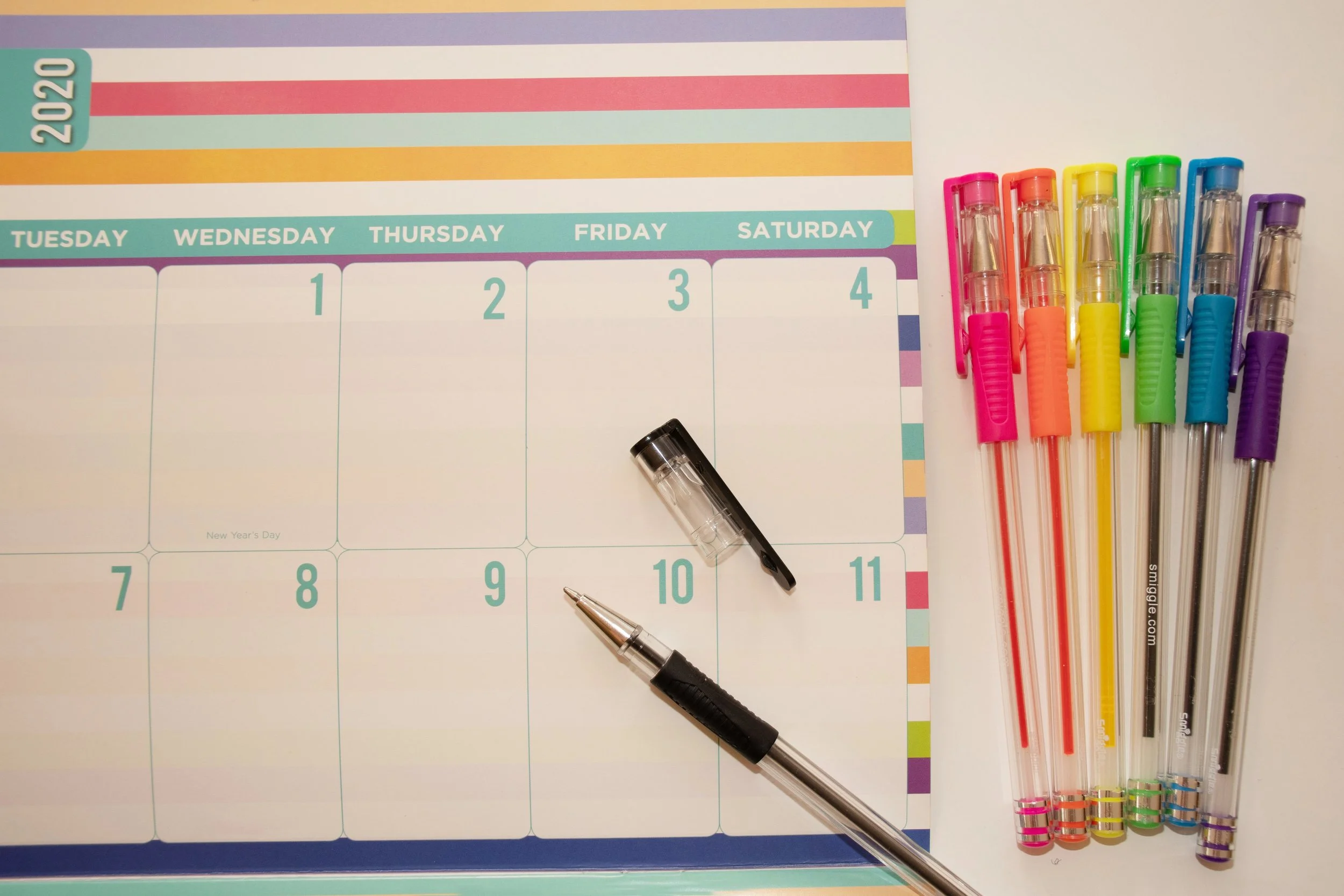
Examples of visual supports may include written schedules
picture schedules
color-coded organizational systems
Checklists
imagery providing a visual representation of a task or routine
Visual supports can help reduce anxiety and promote independence by:
promoting self-regulation
encouraging self-monitoring.
providing a clear understanding of expectations
Overall, incorporating visual supports into daily routines can help support individuals with executive functioning difficulties and help you avoid answering the same question for a fifth time in one class period.
Visual supports can be class-wide such as when using calendars, sample projects, and schedules. Others can be specific to a student.
Don't be afraid to get creative and make personalized supports that work best for each individual.
After all, who said a picture isn't worth a thousand words?
Organization Supports
When you have a student who is often digging through their desk trying to find their missing assignment or perhaps poking around in your cupboards looking for a pencil, you likely have a student who is struggling with organization.
This could also look like the student who never can find the email you sent just last night or has misplaced the file they worked on just last period.
Organization supports are strategies and tools to help individuals with executive functioning difficulties stay organized and locate materials when they are needed.
Organization supports can be high or low-tech and can support organization both in the student's physical world as well as their digital life.
For example:
a color-coded calendar can help a student keep track of assignments and deadlines
a color-coded digital filing system helps students find materials quickly
having set places to keep classroom or personal materials can ensure students can find the things they need

Environmental Supports
When it comes to environmental supports for executive functioning, the focus is on optimizing the classroom or school.
For someone struggling with executive functioning, even small elements in the environment can impact focus and productivity. For example, perhaps you find students constantly distracted by nearby conversations or outdoor noise- such as the lawn mower driving by the window. [Read more about the lawnmower story here]
For students who are distracted by conversations and outside noise, planning to relay important information during quieter times, rearranging your classroom, or soundproofing the windows with heavy curtains can make a big difference in the student’s success.
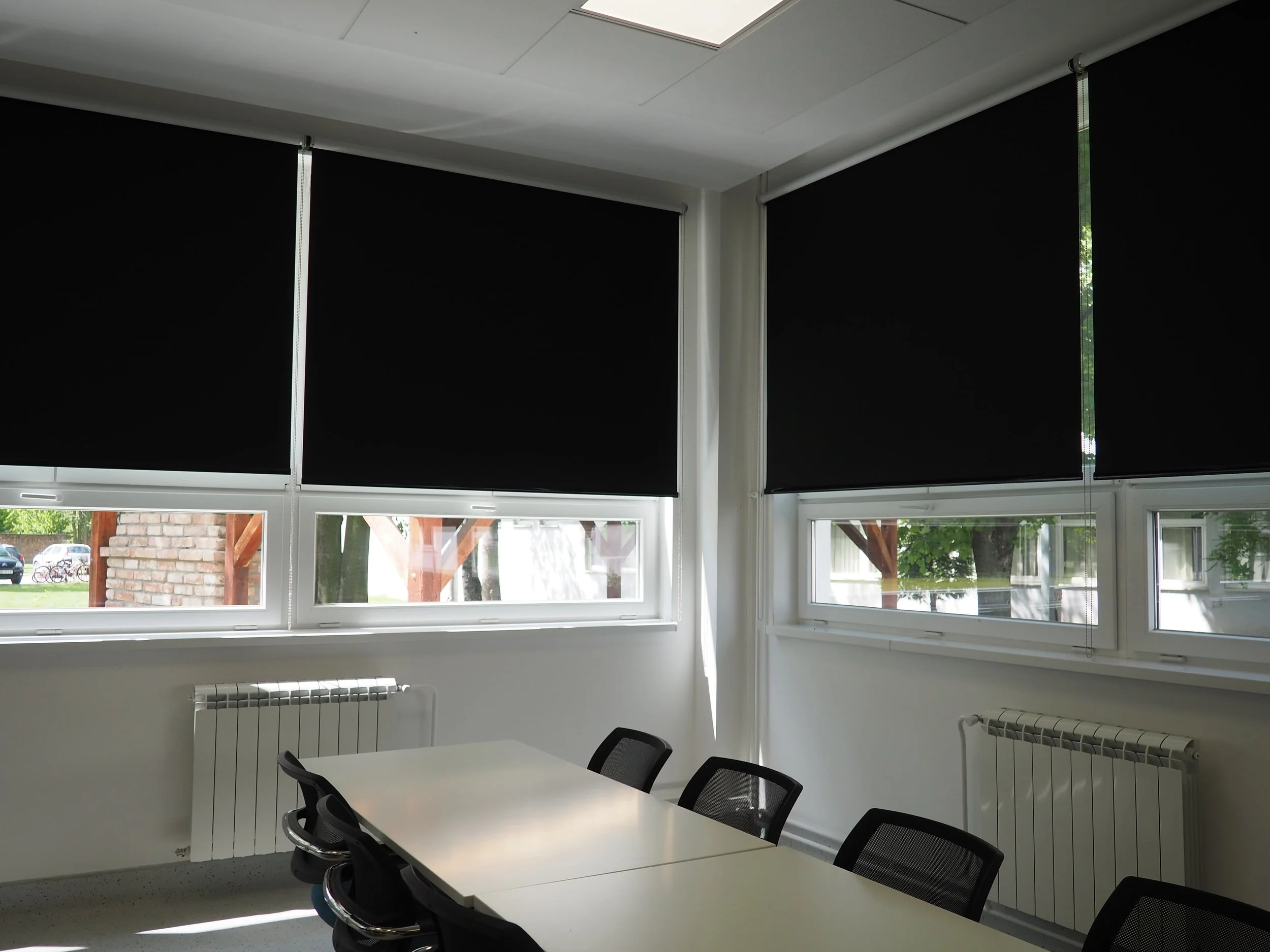
Environmental supports are unique to each individual and may require some trial and error to find what works best for your students. However, once they are in place, they are going to support every student in your classroom.
Conclusion
When you find the right mix of supports for your students including environmental supports, visuals, high and low-tech tools, and organizational strategies, you will find your classroom runs much smoother. Your students will be more independent and successful when they feel confident in their abilities. [Read about how need for supports may change as your students continue to grow and change]
You may even discover some supports and strategies to help you when your alarm doesn’t go off. No one likes starting a day without caffeine!