
Introduction to Keyboards
For individuals with disabilities, a typical keyboard can be a significant barrier to communication, education, work, and independent living. But here's the good news: not all keyboards are created equal—and they’re not supposed to be.
Today, there are a wide range of keyboards designed specifically with accessibility in mind. Whether you’re supporting someone with fine motor challenges, visual impairments, limited mobility, or neurological differences, there is likely a keyboard solution out there that fits your needs.
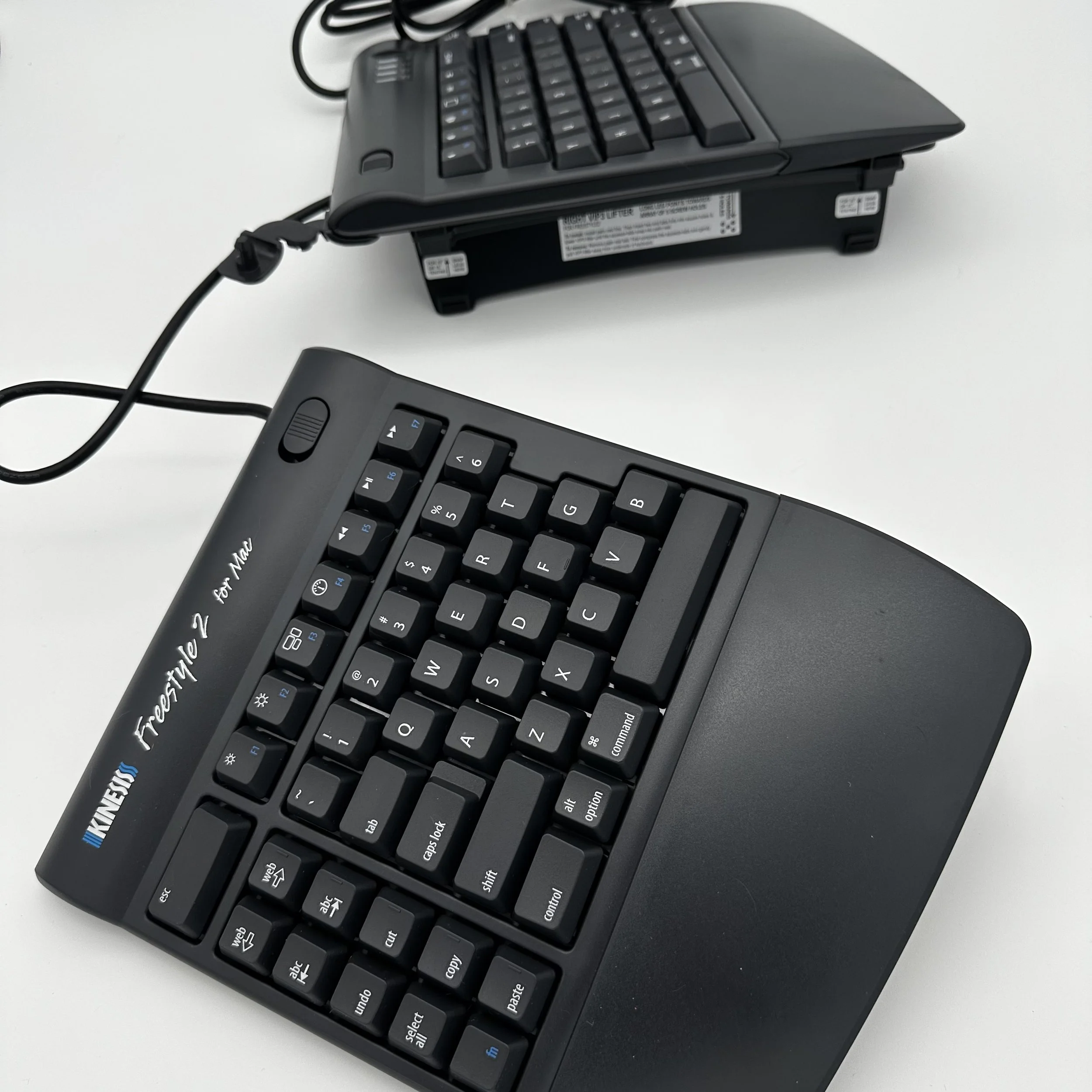
Quick List of Keyboard Types
Ergonomic Keyboards- A keyboard designed to reduce strain by mimicking a more natural hand and wrist position.
Large Key Keyboards– A keyboard with oversized keys and bold lettering.
One-Handed Keyboards – A keyboard layout optimized for single-hand use.
On-Screen Keyboards– A virtual keyboard displayed on a screen, controlled via mouse, joystick, eye gaze, or touch.
Ergonomic Keyboards
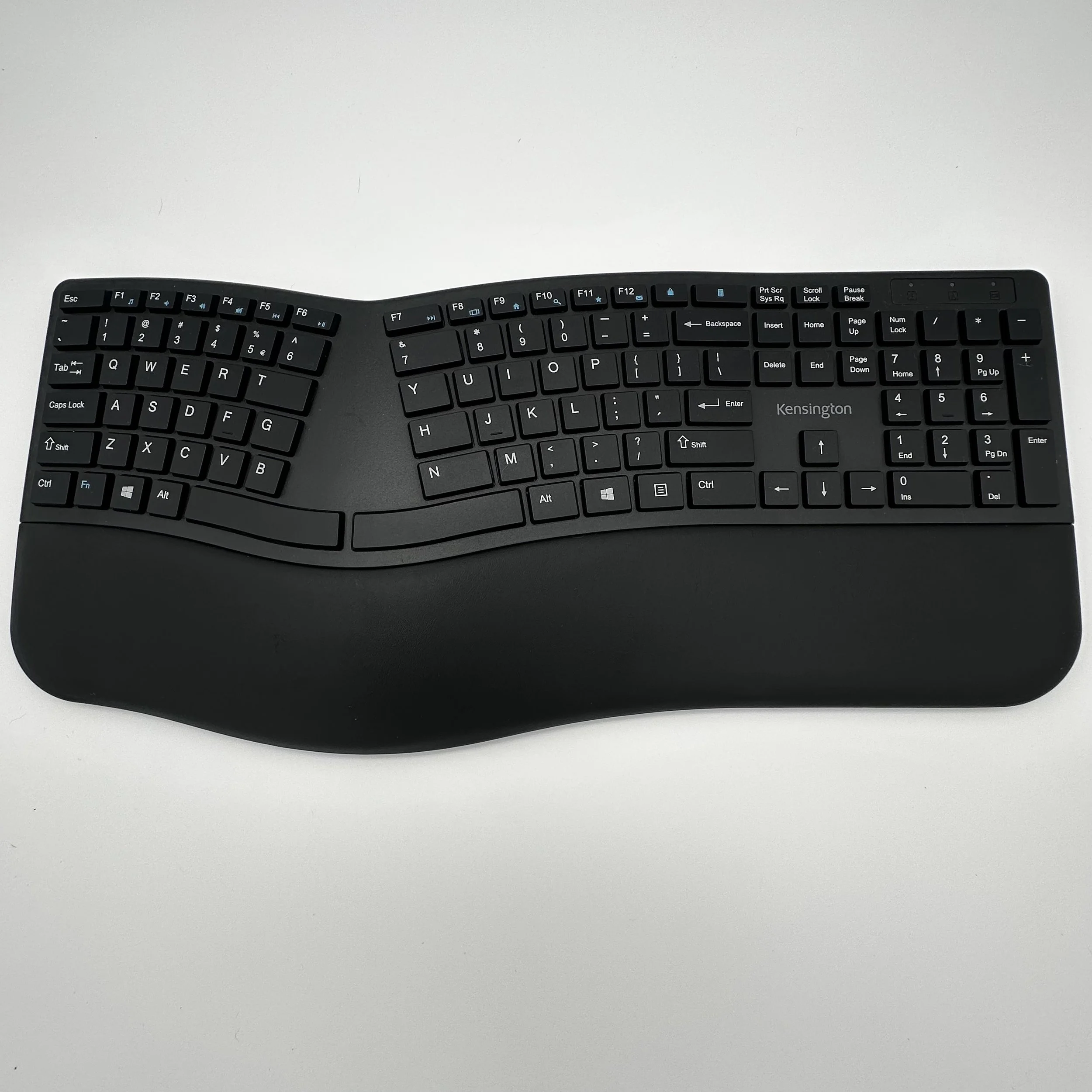
What it is: A keyboard designed to reduce strain by mimicking a more natural hand and wrist position.
Who it helps: People with repetitive strain injuries, arthritis, or conditions like carpal tunnel syndrome.
Example: Split keyboards or tented keyboards that angle outward for comfort.
Large Key Keyboards

Image Credit: Humanblocks, CC BY-SA 4.0 via Wikimedia Commons
What it is: A keyboard with oversized keys and bold lettering.
Who it helps: Individuals with low vision or reduced fine motor skills.
Example: Keyboards with color-coded keys or keys twice the standard size for easier targeting.
One-Handed Keyboards
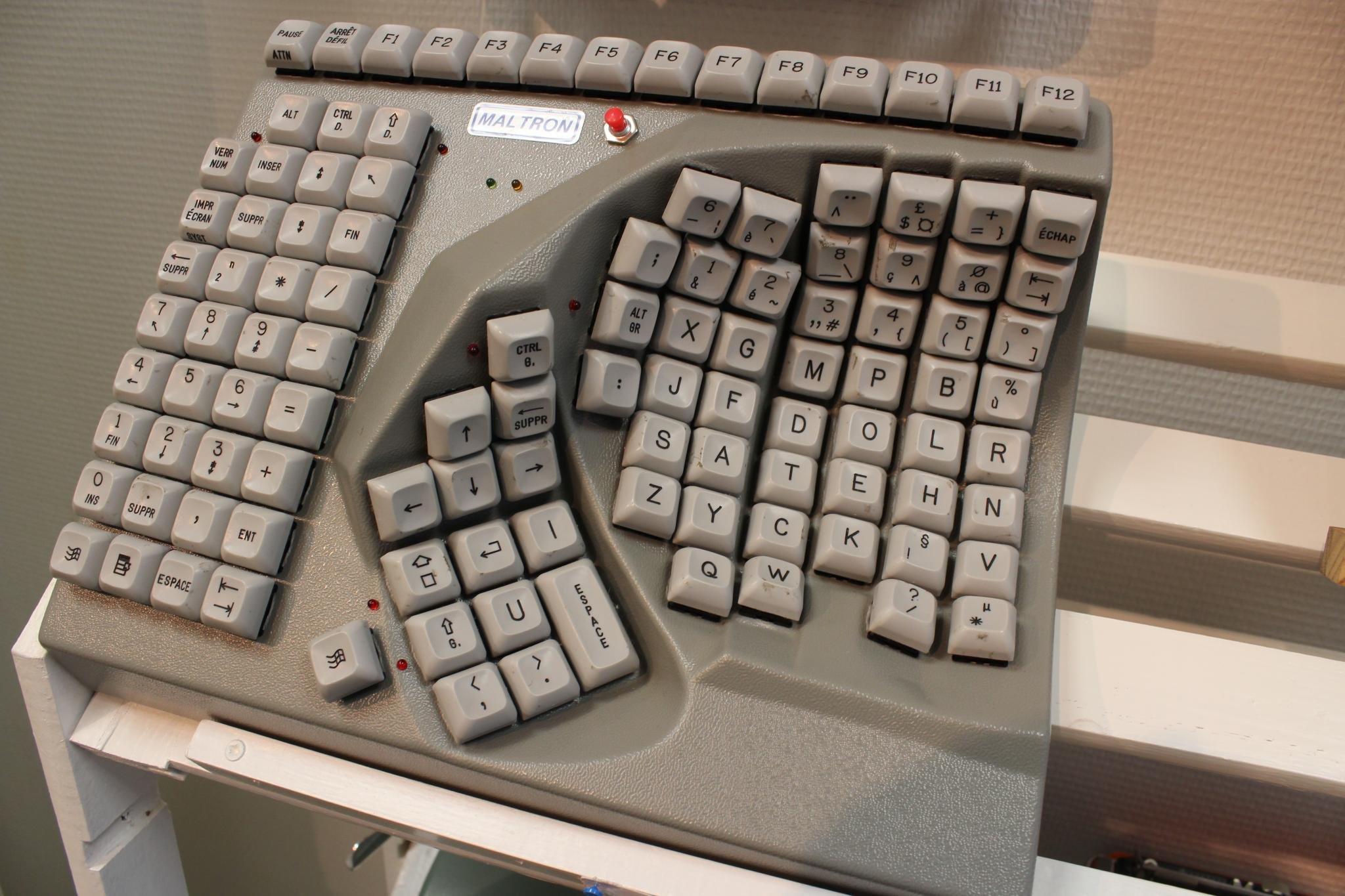
What it is: A keyboard layout optimized for single-hand use.
Who it helps: Users with hemiplegia, amputations, or recovering from hand injuries.
Example: The Maltron Single-Hand Keyboard.
On-Screen Keyboards
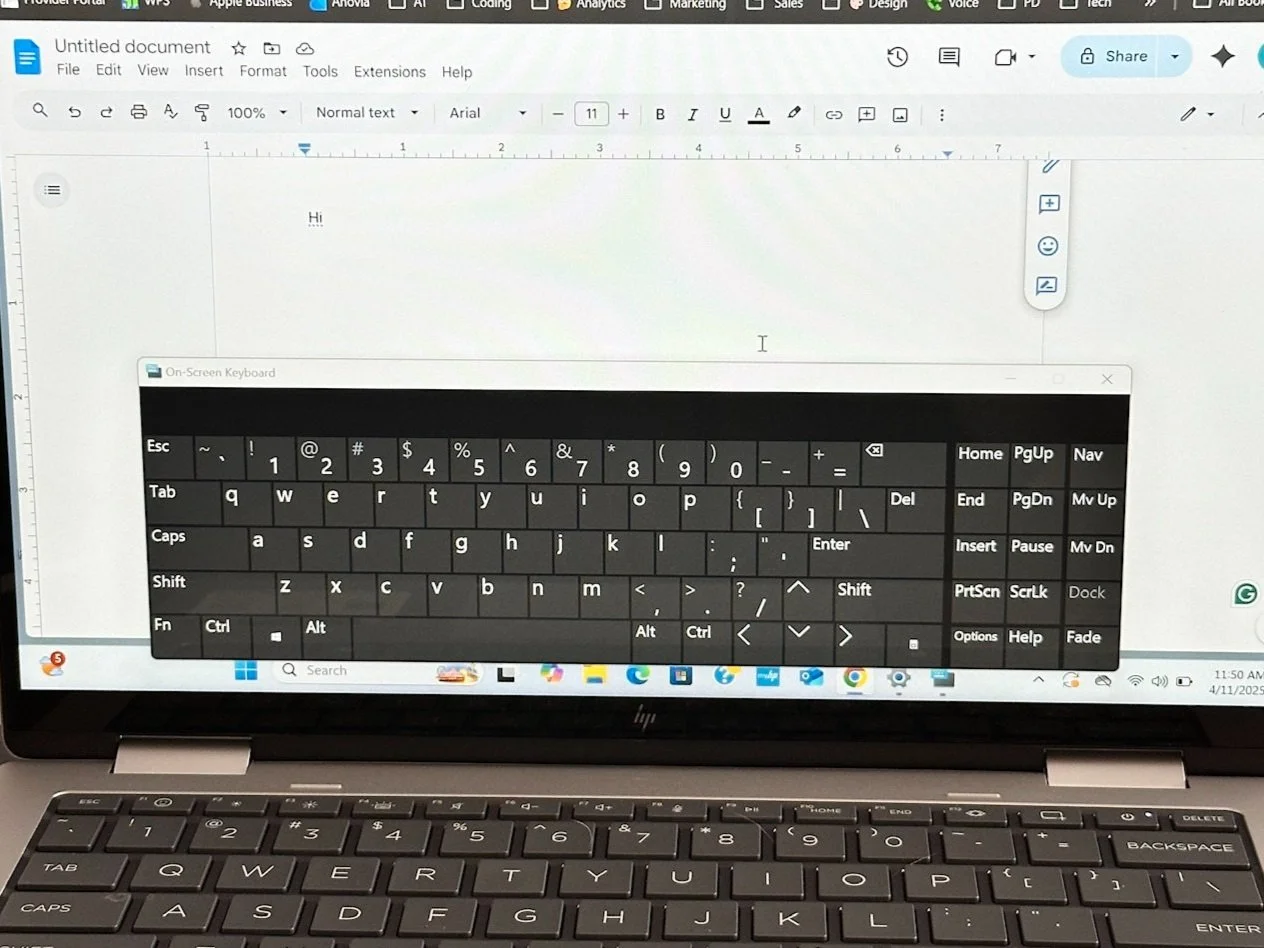
What it is: A virtual keyboard displayed on a screen, controlled via mouse, joystick, eye gaze, or touch.
Who it helps: Individuals who cannot physically use a traditional keyboard.
Example: Windows built-in on-screen keyboard or iPad accessibility keyboard.