
Computer Mice
A computer mouse is a primary tool many people use to control the cursor on a screen. It allows users to select items, click buttons, drag files, scroll through content, and navigate digital spaces with ease. Whether you’re opening a document, accessing a website, or simply clicking play on a video—your mouse plays a critical role.
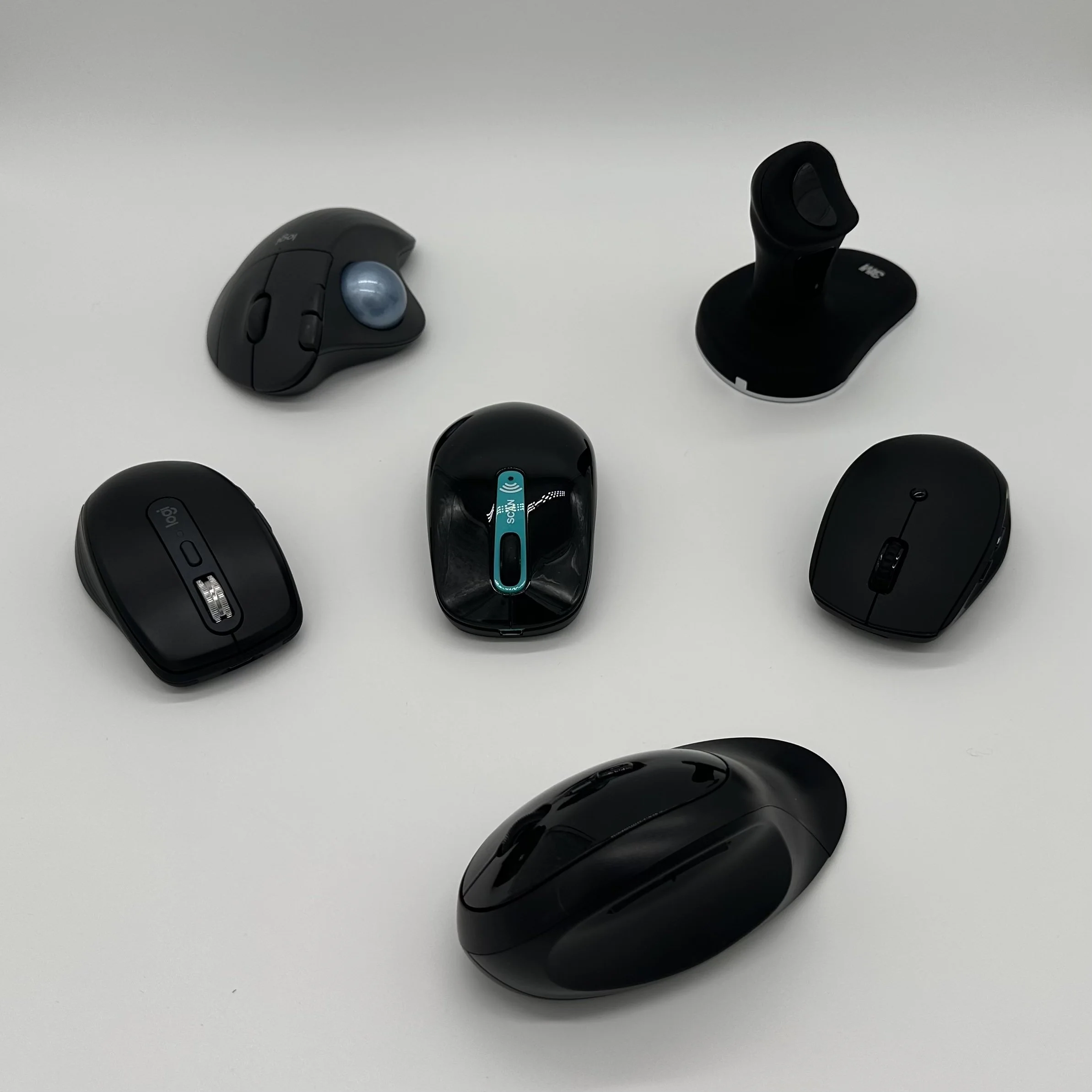
Quick List of Mouse Options
Trackball Mouse – Control your cursor with a stationary ball
Joystick Mouse – The cursor moves with the direction of the stick
Head-Controlled Mouse – Uses a camera or sensor to track head movements
Touchpad/Touch Surface Mouse – Cursor moves as you slide your finger on the surface
Ergonomic or Vertical Mouse – Standard mouse in a vertical position
Trackball Mouse

What it is: Instead of moving the mouse across a surface, you control a stationary ball with your fingers, thumb, or palm.
Who it helps: Ideal for people with limited arm or shoulder mobility, tremors, or reduced fine motor control.
Joystick Mouse
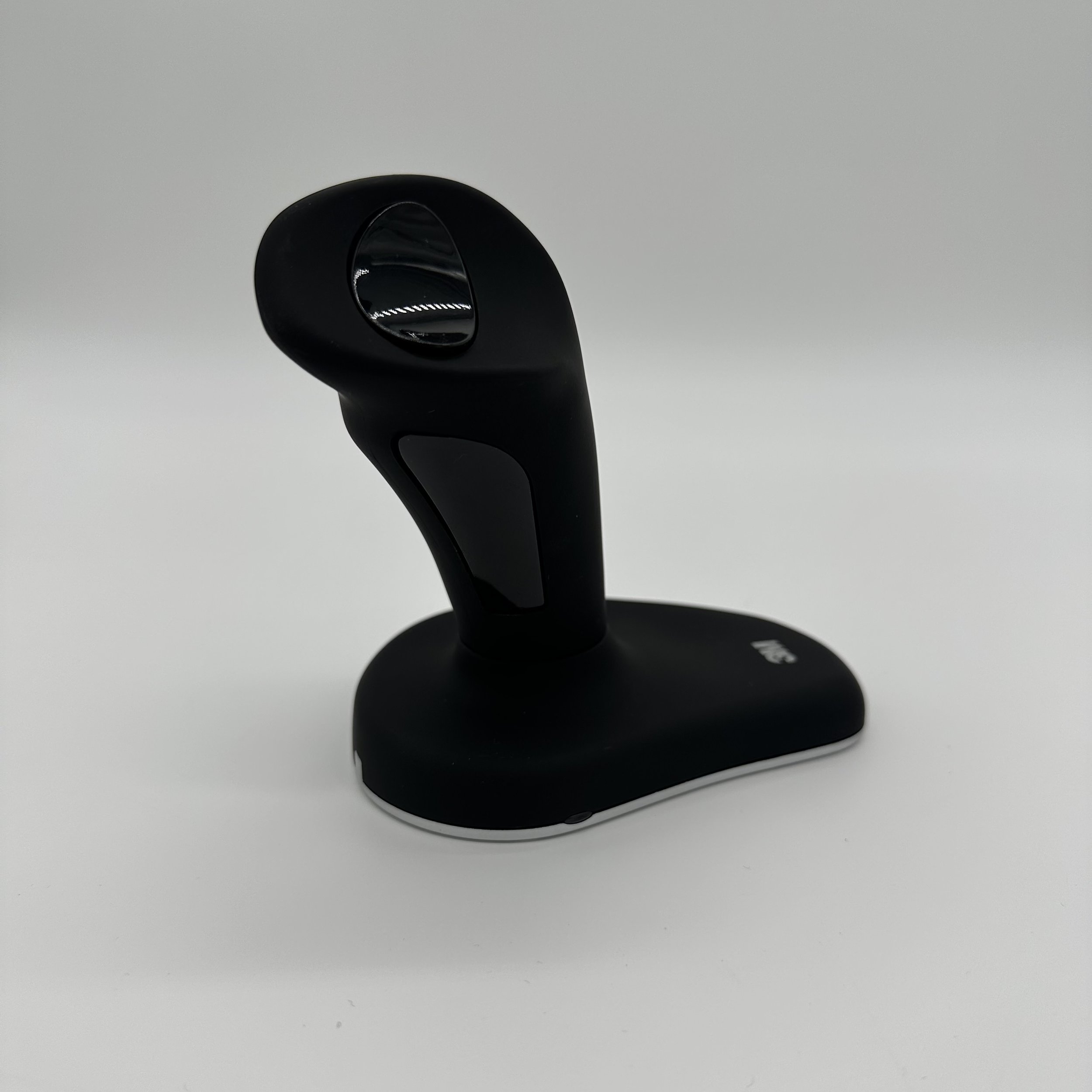
What it is: Operates like a video game joystick—you move the stick in the direction you want the cursor to go.
Who it helps: Useful for individuals with limited hand dexterity or those familiar with wheelchair joysticks.
Head-Controlled Mouse
What it is: Uses a camera or sensor to track head movements to move the cursor. Often paired with switches or blinking for clicks.
Who it helps: A powerful option for individuals with little or no use of their hands.
Touchpad or Touch Surface

What it is: A flat surface you slide your finger on to move the cursor.
Who it helps: Helpful for those who can move their fingers but find gripping or dragging a traditional mouse difficult..
Ergonomic or Vertical Mouse
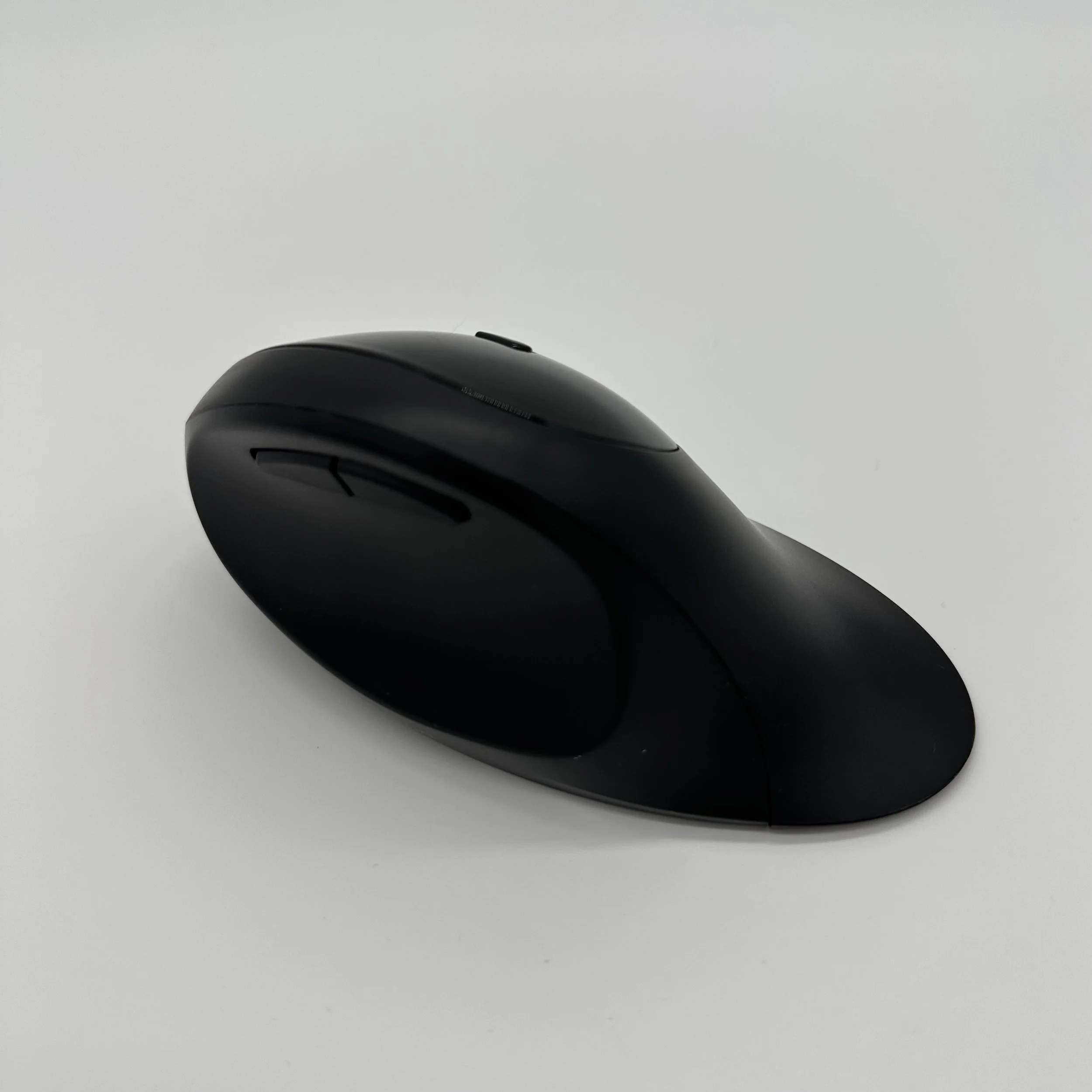
What it is: Shaped to reduce wrist and hand strain.
Who it helps: Perfect for users with repetitive strain injuries, arthritis, or carpal tunnel syndrome.