
Introduction to Assistive Devices for Writing
For many individuals, writing can be made more difficult due to executive functioning barriers such as distractions of modern writing tools. There can also be difficulties with transferring handwritten text to digital or keeping track of the writing that has been created.
The tools below may help if you are struggling with one or more of these areas. As an added benefit, some of these tools also support things such as spell-check and editing support.

Pros and Cons of Devices for Writing:
Pros:
Unique features, not offered by apps or extensions
Often replace items already being used
Cons:
Must be remembered
May add a level of difficulty for individuals who struggle with executive functioning
May be more costly than low-tech options
Quick List of Devices for Writing
Note that this is not an exhaustive list of AT for writing but is meant to be a starting place for exploration.
Remarkable Tablet – Digital tablet with writing capabilities
Neo SmartPen – Captures digital notes as you write them
Rocketbook – Specialized notebooks that can transfer handwritten notes to digital
FreeWrite – Distraction-free writing

Remarkable Tablet
What It Does:
Mimics the paper-and-pen experience with a digital twist
Organizes notes into digital notebooks
Converts handwriting into typed text
Syncs with cloud storage for access across devices
Why it Helps:
Eliminates the need for multiple notebooks
Easy organization of multiple subjects or topics
Minimal distractions (no social media, no pop-ups)
Convert handwriting to typed text
Neo SmartPen
What It Does:
Captures handwritten notes and transfers them to a digital format
Stores notes in real-time on the companion app
Allows you to search and organize notes digitally
Why it Helps:
Supports working memory with digitized notes
Allows teachers or therapists to view and comment digitally
Preserves the connection between handwriting and memory
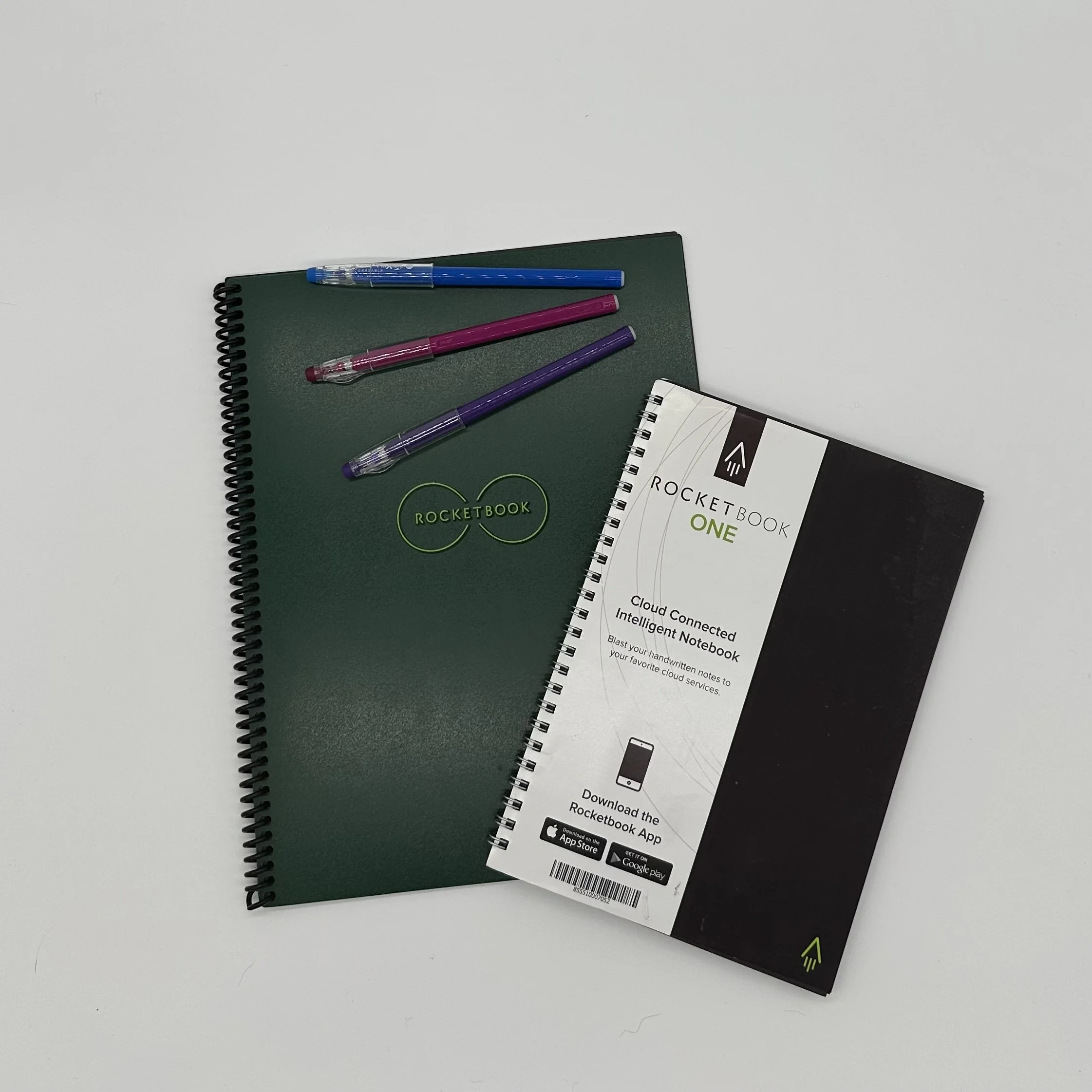
Rocketbook
What It Does:
Lets you handwrite on erasable pages
Scans pages using a smartphone app
Uploads content to cloud storage or email using custom icons
Why it Helps:
Reduces paper waste
Saves handwritten work to the cloud
Custom symbols at the bottom of each page direct where the scan g
FreeWrite
What It Does:
Allows distraction-free typing on an e-ink screen
Automatically saves work to the cloud
Encourages writing in a linear, focused format
Why it Helps:
Removes all distractions
Great for long-form writing
Encourages focus and flow state